For iPhone · Everything on device
From footage
to a reel in
two minutes
Hand Keepers 10–20 clips from your camera roll. It looks through each one on your phone, finds the strongest seconds and cuts them into a vertical reel for Reels, Shorts and Stories. No upload, no account, no waiting on a server.
How it works
Four screens, one reel
No timeline and no scrubbing. You decide what a highlight is; Keepers does the cutting.
-
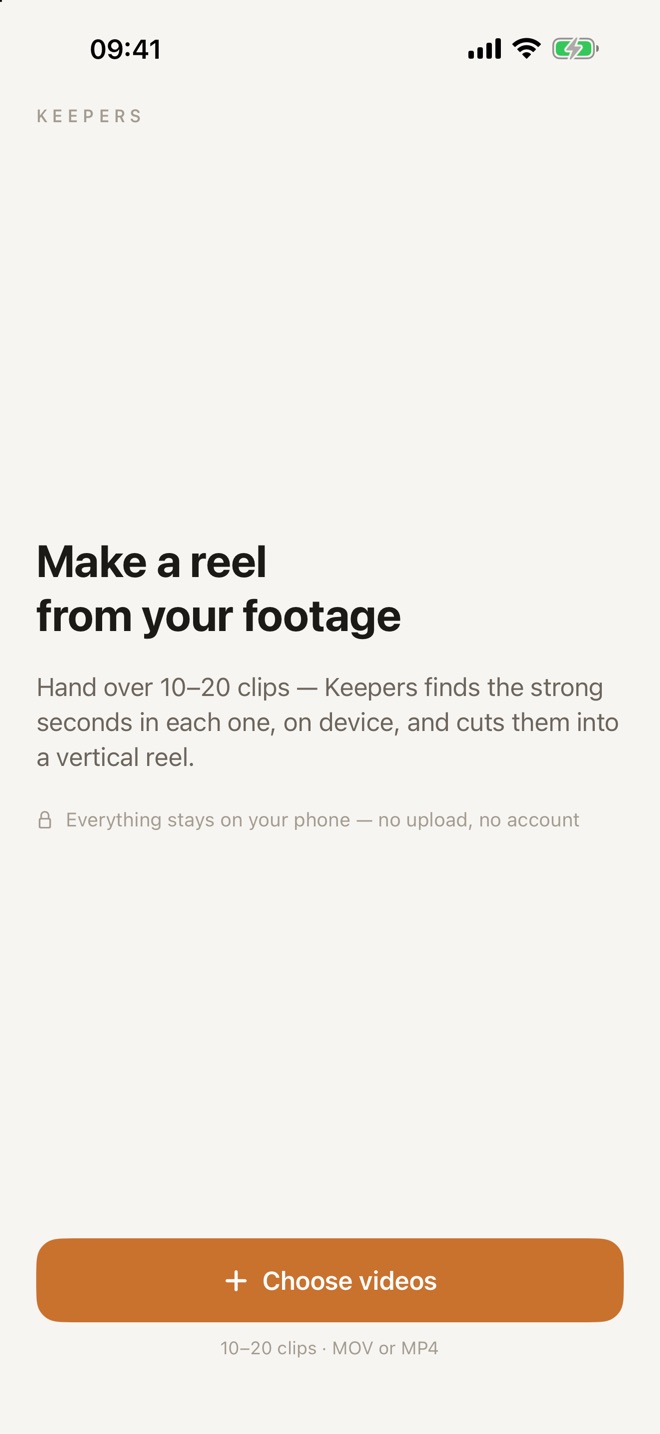
Choose your clips
Pick 10–20 videos from Photos, the way you shot them. MOV or MP4, no trimming first.
-
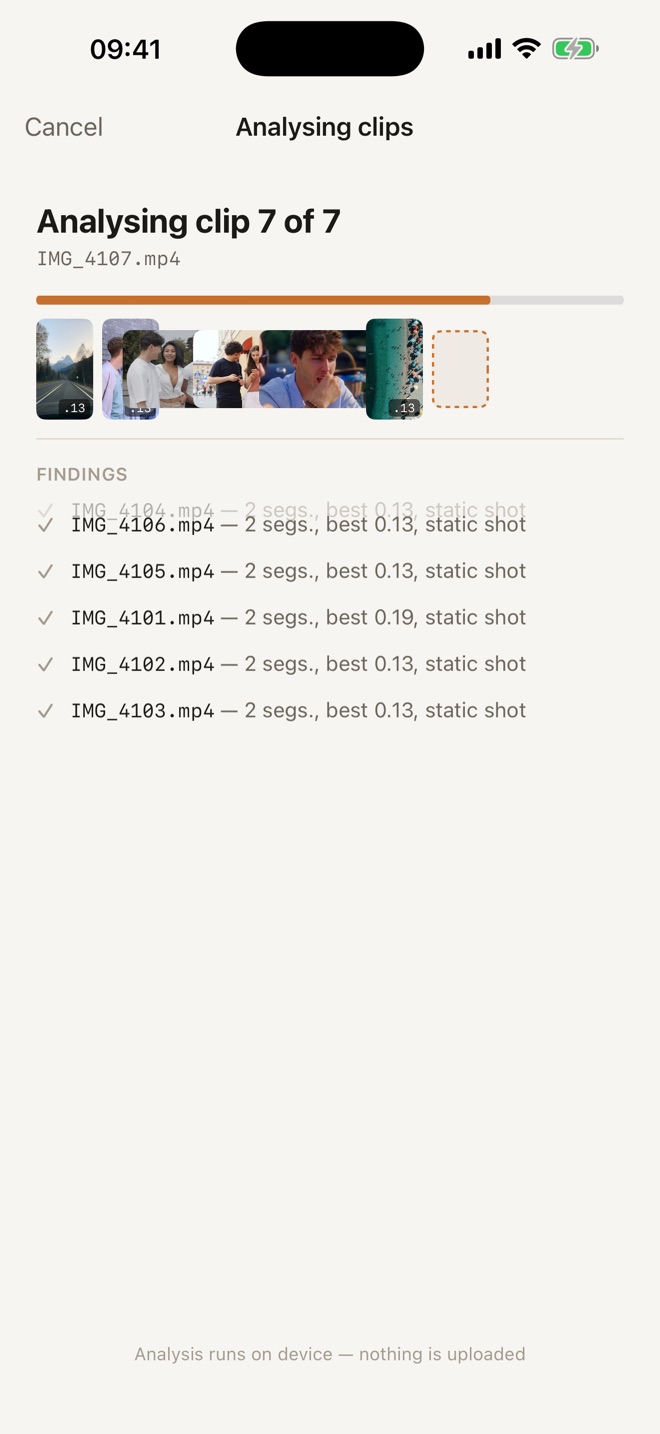
Keepers looks through them
Clip by clip, on device: who is talking, whose face is in frame, what moves, what is sharp.
-
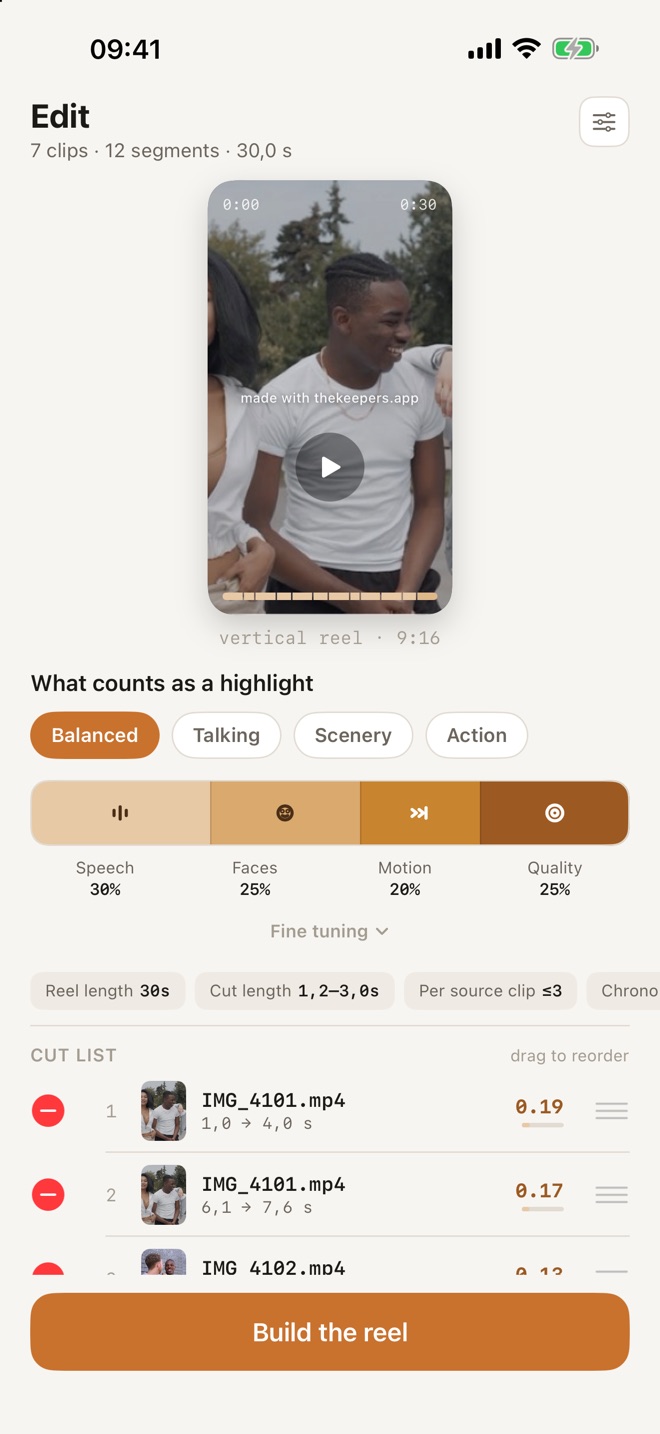
Tune the mix
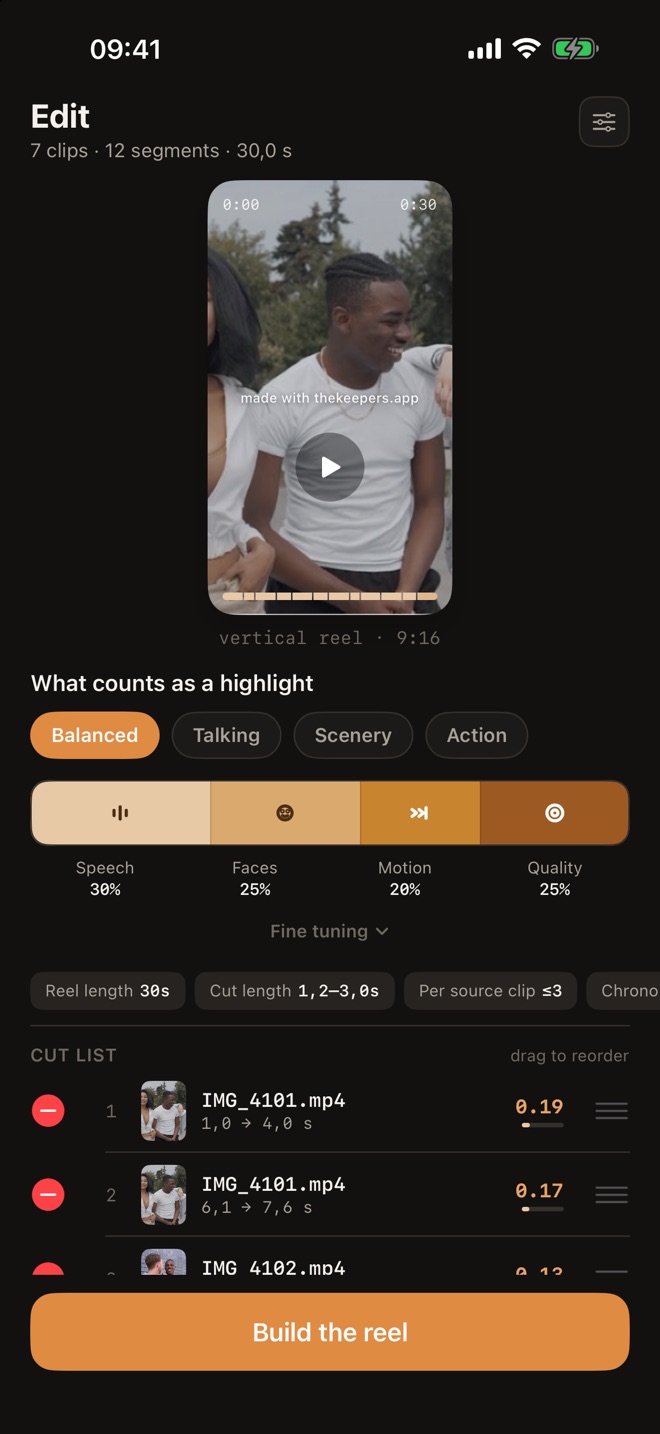
Move the mix and the cut list rebuilds instantly. Drag cuts to reorder, remove the ones you don't want.
-
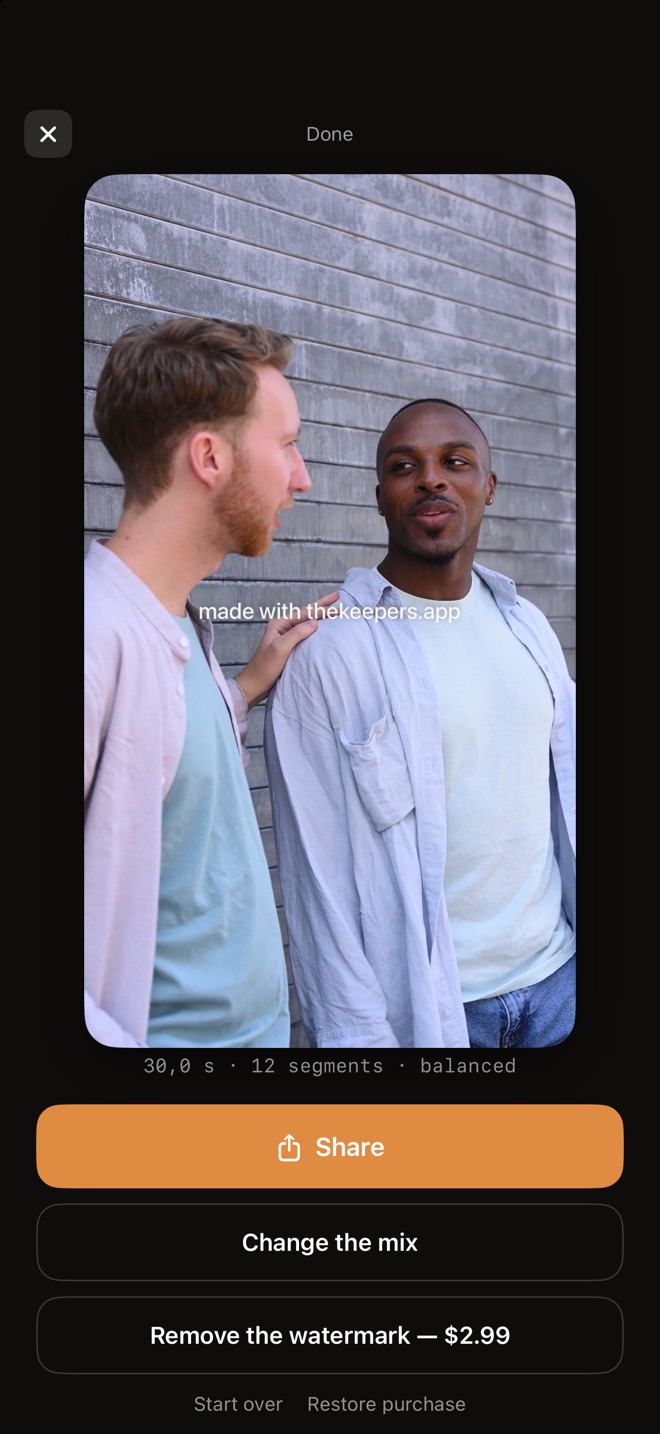
Share it
A 1080×1920 reel, ready for posting, straight from the Share sheet.
One control, not four
A mix, not a row of sliders
Speech, faces, motion and picture quality pull against each other, so Keepers shows them as one bar that always adds up to a hundred percent. Drag a boundary and you see exactly what you trade for what. Presets set the direction; fine tuning is there when you want it.
The analysis runs once. Re-cutting with a new mix is arithmetic over it, so it happens while your finger is still on the screen.
What it looks for
Four signals, read on your phone
Built on Apple's Vision and Speech frameworks, running entirely on the device.
Speech
Moments where someone is talking, not just moments that are loud. Wind and traffic don't count.
Faces
How much of the frame the people take up. Your friends, not the back of their heads.
Motion
Something happening, measured against the rest of that clip, so a calm video still has its best moment. A blurry whip-pan scores lower than real action.
Quality
Sharpness, exposure and composition. Screenshots and photos of documents are skipped entirely.
Cuts land on pauses
Every cut is nudged to the quietest point nearby. A cut in a pause goes unnoticed; a cut mid-word never does.
Edits in your clips are respected
If a clip already contains a cut, Keepers never builds a segment across it.
A crop that follows the subject
Landscape footage is cropped to 9:16 around what is worth looking at, not just the middle of the frame.
Privacy
Everything stays on your phone
Your clips are never uploaded. Analysis, editing and rendering all happen on the iPhone in your hand.
- No account, no sign-in
- No servers: the app doesn't connect to the internet at all
- No analytics, no ads, no tracking
- You only share what you choose to, through the system Share sheet
Light and dark
Made to look at footage
Warm neutrals that don't fight with your colours, in light and dark appearance. The finished reel gets a screen of its own, near-black, with nothing else on it.
The details
Free to use. Pay once if you want to.
No subscription and no limit on reels.
Price
Free
Every reel carries a small made with thekeepers.app mark. A one-time purchase removes it for good, and you can restore it on any of your devices.
Requirements
iPhone, iOS 18+
Speech detection gets more precise on iOS 26 when your language's on-device speech model is installed.
Languages
10
English, Русский, Español, Français, Deutsch, Italiano, Português (Brasil), 日本語, 한국어, 简体中文.
